


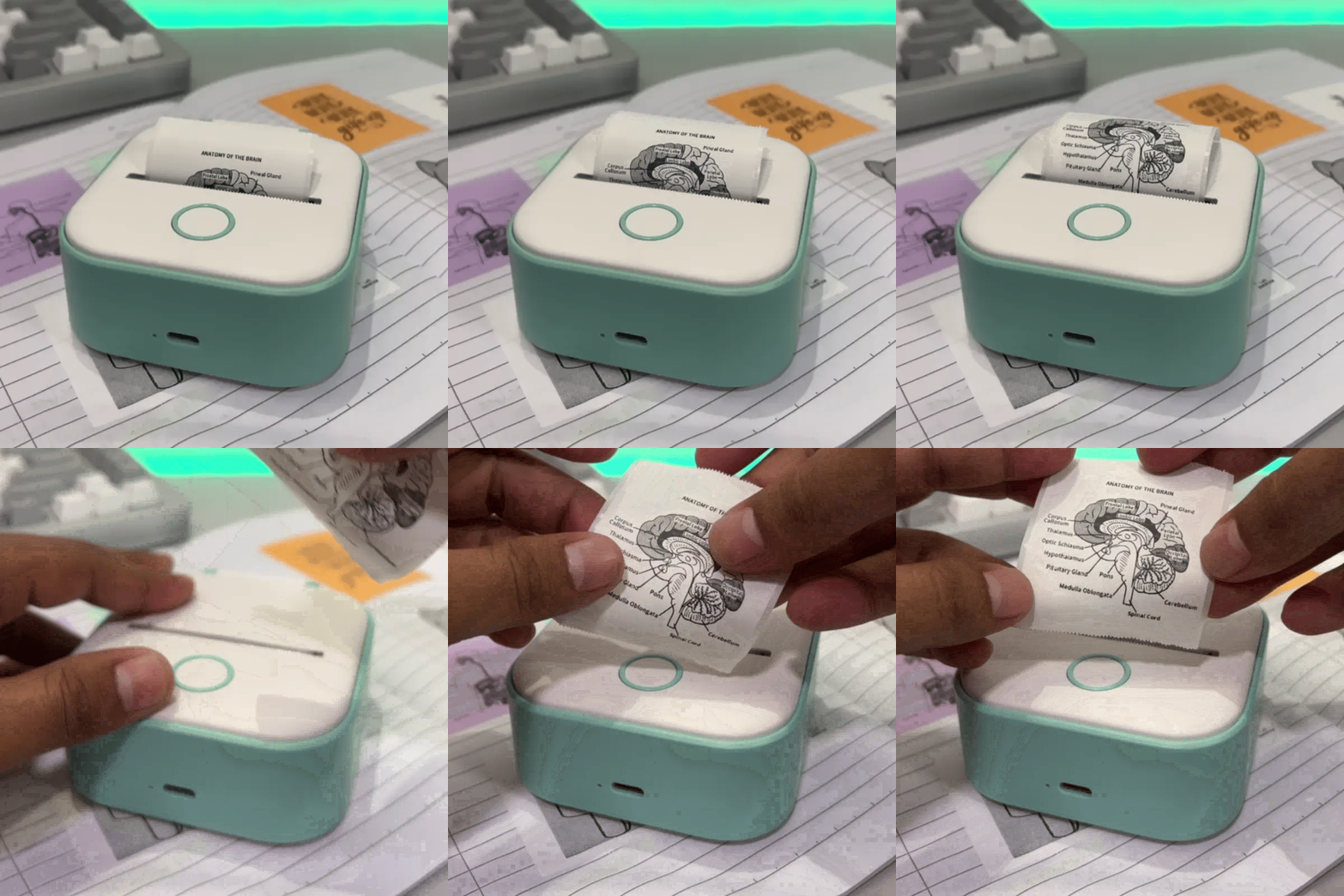
Product Overview
The T02 Mini Printer is a compact, portable printing solution designed for those who want instant, high-quality prints from their smartphone or tablet. With its sleek design and inkless printing technology, this mini printer is perfect for on-the-go photo printing, note-taking, and creative projects. Whether you’re capturing memories, creating stickers, or organizing documents, the T02 delivers convenience and functionality in a tiny package.
Features & Benefits:
- Inkless Printing Technology: Say goodbye to messy cartridges. The T02 uses heat-sensitive paper to produce sharp, smudge-free prints.
- Ultra-Portable Design: Weighing just a few ounces and small enough to fit in your pocket or bag, this printer is ideal for travel, office, or school use.
- Fast Printing Speed: Print in seconds with consistent quality, making it great for last-minute projects or instant photo sharing.
- Wireless Connectivity: Compatible with Bluetooth-enabled devices, you can print directly from your smartphone via the T02 Mini Printer App, available for both Android and iOS.
- Creative Printing Options: Customize prints with text, stickers, and frames, perfect for scrapbooking, journaling, and creative projects.
- Eco-Friendly & Cost-Efficient: No ink cartridges means lower maintenance costs and reduced environmental impact.
Use Cases:
- Photo Printing: Capture moments instantly and create physical copies of your favorite memories.
- Sticker Making: Print decorative stickers for planners, gifts, or DIY crafts.
- Note Printing: Convert digital notes, to-do lists, and recipes into best portable prints.
- Educational Uses: Great for teachers and students to print worksheets, labels, and study aids.
- Business Applications: Ideal for receipts, QR codes, and small labels for small businesses.
Why Choose T02 Mini Printer Over Others:
Compared to traditional mini printers, the T02 stands out for its combination of portability, cost-efficiency, and user-friendly features. Its inkless printing ensures no messy refills, and its app-driven interface allows full customization of your prints.
2. Specifications
- Feature Details Size: 120mm x 80mm x 30mm (compact, pocket-friendly)
- Weight: 180g
- Battery Life: 400-500 prints per full charge (built-in rechargeable battery)
- Paper Type: Thermal paper (inkless, smudge-resistant)
- Connectivity: Bluetooth 4.0 (compatible with Android & iOS devices)
- Print Resolution: 203 DPI
- App Features: Image editing, sticker creation, text customization, instant preview
3. How to Use
Step-by-Step Instructions: How to Use a Mini Pocket Printer
- Charge the Printer: Connect the included USB-C cable to a power source. Full charge takes ~2 hours.
- Download the App: Install the T02 Mini Printer App from Google Play or the Apple App Store.
- Connect via Bluetooth: Open the app, enable Bluetooth, and pair your T02 Mini Printer.
- Load Paper: Insert the thermal paper roll into the printer. Ensure the paper is properly aligned.
- Select Content: Choose photos, stickers, or text from your phone. Customize using the app.
- Print: Tap “Print” and watch your content come to life in seconds.
Tips & Tricks:
- Use high-contrast images for the best print quality.
- Keep the printer away from direct sunlight to prevent paper from yellowing.
- Clean the printer roll path occasionally for smooth printing.
- Explore app features like collage, frames, and label templates for creative projects.
