
How Does a Mini Printer Work? The Science Behind Portable, Inkless Printing

There’s something incredibly satisfying about printing a photo, note, label, or checklist straight from your phone within seconds. No bulky printer. No tangled cables. No expensive ink cartridges. Just tap a button and watch a tiny device create a physical print almost instantly.
Direct Answer: A mini printer works by using thermal or ZINK (Zero Ink) technology to create images and text without traditional ink cartridges. Most pocket printers contain a thermal print head that applies precise heat to special heat-sensitive paper, causing a chemical reaction that forms the printed image. Color mini printers often use ZINK paper, which contains embedded dye crystals activated by heat.
As portable technology continues to evolve, mini printers have become one of the most practical gadgets for students, travelers, journal enthusiasts, small business owners, and professionals who need instant printing on the go. But what actually happens inside these palm-sized devices? Let's explore the fascinating technology powering modern mobile printing.
What Exactly Is a Mini Pocket Printer?
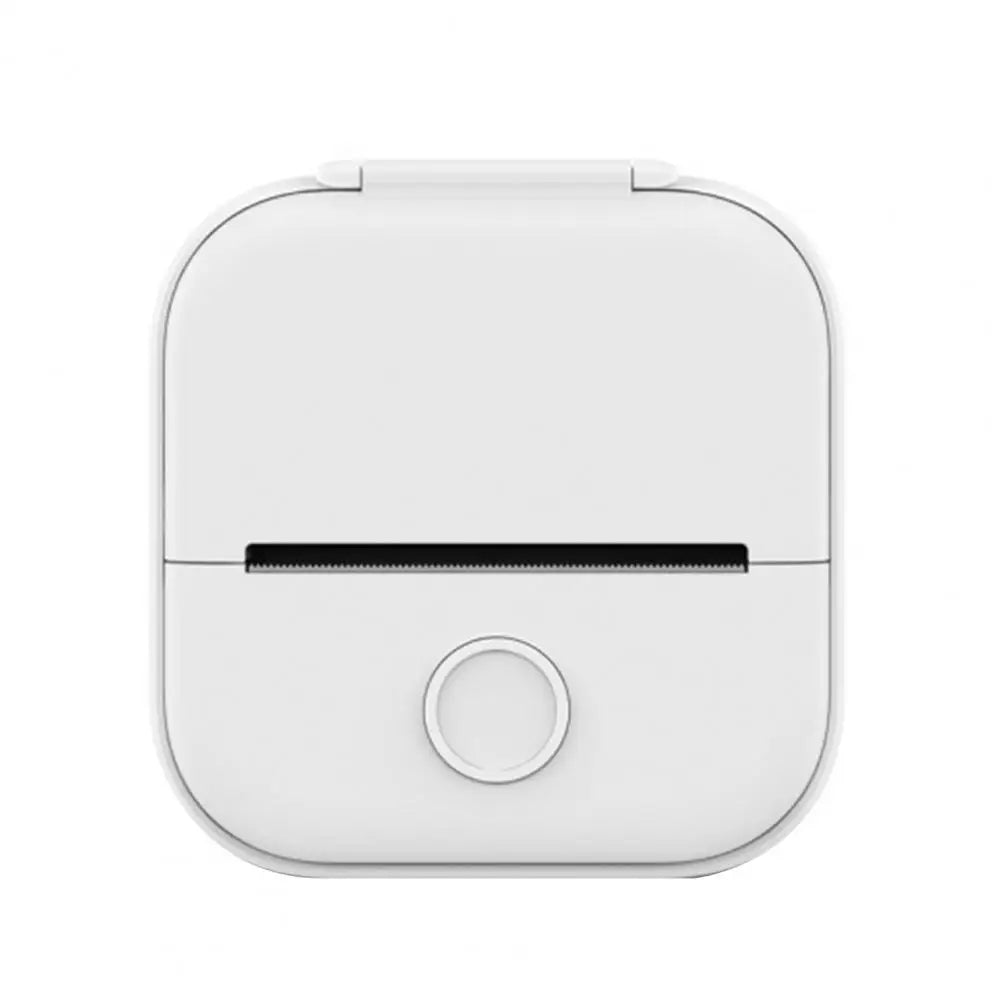
A mini pocket printer is a compact, portable printing device designed to fit comfortably in a bag, backpack, or even a jacket pocket. Unlike traditional desktop printers that rely on ink cartridges, toner, and complex mechanical systems, mini printers are built around simpler and more efficient printing technologies.
Most modern pocket printers use inkless printing, meaning they create prints without liquid ink or toner. This dramatically reduces maintenance requirements while making the device lighter, smaller, and easier to carry.
The typical mini printer includes:
- A thermal print head
- A paper feeding mechanism
- A rechargeable lithium-ion battery
- Bluetooth or Wi-Fi connectivity
- USB-C or micro-USB charging
- Internal control circuitry
The result is a highly portable device capable of producing photos, notes, labels, stickers, study materials, shopping lists, and journal decorations almost anywhere.
What makes mini printers particularly appealing is their simplicity. Traditional printers contain dozens of moving parts, print cartridges, cleaning systems, and paper trays. A pocket printer strips away much of that complexity, focusing on quick, mobile printing whenever inspiration strikes.
The Magic Behind the Heat: How Thermal Printing Works
The secret behind most mini printers lies in a technology called direct thermal printing.
At first glance, it may seem like the printer is somehow creating images out of thin air. In reality, a carefully controlled heat-based chemical reaction is doing all the work.
The Thermal Print Head: The Printer's Brain and Artist
The thermal print head is the most important component inside a mini printer.
Think of it like a microscopic row of tiny heating elements lined up side by side. Each element can rapidly heat up and cool down in fractions of a second.
When you send an image from your smartphone, the printer's processor converts that image into thousands of tiny dots. The thermal print head then selectively heats specific points on the paper to create those dots.
Just like individual pixels combine to form an image on a smartphone screen, thousands of heat-generated dots combine to create text, graphics, and photographs on paper.
The Special Heat-Sensitive Paper
The paper used in thermal printers isn't ordinary paper.
Instead, it's coated with a specialized chemical layer containing compounds known as leuco dyes and developers. These chemicals remain invisible under normal conditions.
When the thermal print head applies heat to specific areas, the chemicals undergo a reaction that causes those areas to darken.
The result is a visible image appearing precisely where heat was applied.
A useful analogy is receipt paper from grocery stores. When a cashier prints your receipt, the machine isn't applying ink. It's simply heating the paper in specific locations. Mini pocket printers use the same fundamental principle, but with much higher precision and image quality.
The Chemical Reaction That Creates the Print
Here's what happens step-by-step:
- You send a photo or note from your phone.
- The printer processes the image into thousands of tiny dots.
- The thermal print head heats selected spots.
- The heat activates the leuco dyes within the paper coating.
- The activated chemicals turn dark.
- The paper advances forward.
- The completed image emerges from the printer.
This entire process happens in seconds.
Because the image is created directly within the paper coating itself, no ink cartridges, ribbons, or toner systems are required.
Why Thermal Prints Fade Over Time
One important characteristic of thermal printing is that the image remains sensitive to environmental conditions.
Heat-sensitive paper can gradually fade when exposed to:
- Direct sunlight
- High temperatures
- Humidity
- Chemical cleaners
- UV radiation
This occurs because the same chemicals used to create the image can continue reacting over time.
For long-term preservation, thermal prints should be stored in cool, dry environments away from direct sunlight. Journal enthusiasts often laminate important prints or keep them inside notebooks to extend their lifespan.
ZINK Technology vs. Direct Thermal: What's the Difference?
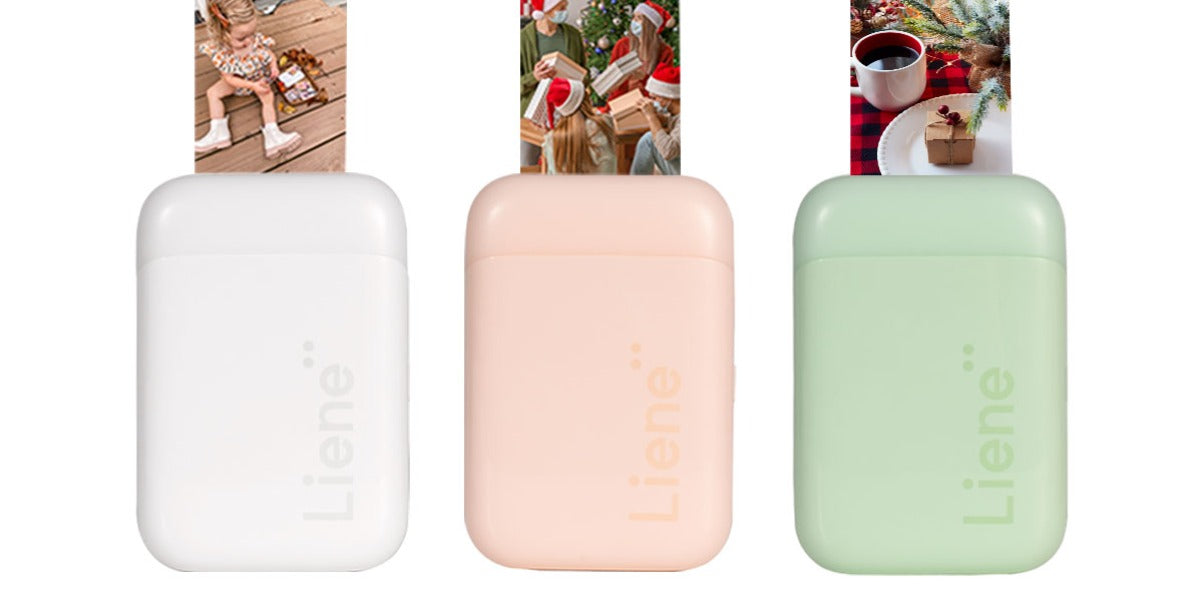
While many pocket printers use direct thermal printing, color photo printers often rely on a different system called ZINK technology.
Although both technologies eliminate traditional ink cartridges, they work in fundamentally different ways.
Direct Thermal Printing
Direct thermal printers use heat-sensitive paper coated with reactive chemicals.
The thermal print head activates specific areas to create black or monochrome images.
This technology excels at:
- Notes
- Labels
- Checklists
- Study materials
- Stickers
- Journaling content
Its primary advantage is simplicity. The paper is inexpensive, and the printer requires very little maintenance.
ZINK Technology
ZINK stands for "Zero Ink."
Instead of using chemically coated monochrome paper, ZINK paper contains microscopic crystals embedded beneath the surface.
These crystals are colorless until activated by carefully controlled heat.
The crystals represent:
- Cyan
- Magenta
- Yellow
By applying different temperatures and heating durations, the printer activates specific crystal layers to create full-color images.
Imagine a tiny hidden rainbow trapped inside every sheet of paper. The printer uses heat like a conductor directing an orchestra, activating precise color combinations to produce vibrant photographs.
The printer still contains a thermal print head, but instead of simply turning areas black, it controls multiple color layers simultaneously.
Which Technology Is Better?
The answer depends on your needs.
Direct thermal printing is ideal for productivity-focused users who prioritize speed, affordability, and simplicity.
ZINK technology is better suited for users who want colorful photo prints, scrapbook materials, travel memories, and creative projects.
Many consumers researching the Best Portable Printers 2026 discover that the choice ultimately comes down to whether they need practical monochrome prints or full-color photo output.
How Does It Connect to Your Phone?
One of the biggest reasons mini printers have become so popular is how effortlessly they connect to modern devices.
Most current models use Bluetooth Low Energy (BLE) technology, allowing smartphones and printers to communicate while consuming minimal power.
The connection process is remarkably simple:
You install the manufacturer's companion app, power on the printer, enable Bluetooth, and pair the devices. Once connected, the app acts as a creative control center for printing.
Modern companion apps typically allow users to:
- Edit photos
- Add filters
- Insert text overlays
- Create labels
- Design stickers
- Generate QR codes
- Print templates and study notes
Some advanced models also support Wi-Fi connectivity, enabling multiple devices to print through the same network.
The combination of BLE connectivity and intuitive mobile apps has transformed mini printers from niche gadgets into genuinely useful productivity tools.
If you're new to portable printing, our guide on How to Use a Mini Pocket Printer can help you get the most from your device from day one.
Why Mobile Printing Is Changing the Game
The rise of mini printers reflects a larger shift toward mobile-first technology.
People increasingly create, manage, and share content on smartphones. Portable printers bridge the gap between digital convenience and physical output.
For students, mini printers make it easy to create flashcards, study notes, diagrams, and revision materials.
For professionals, they provide instant access to labels, reminders, receipts, and quick documentation.
For journal enthusiasts, they transform digital memories into physical keepsakes within seconds.
Perhaps the biggest advantage is the lack of maintenance. Traditional printers often require:
- Ink replacement
- Print-head cleaning
- Cartridge alignment
- Toner replacement
- Driver updates
Mini printers eliminate many of these frustrations.
A rechargeable lithium-ion battery powers the device, while USB-C charging makes recharging fast and convenient. Many models can print dozens—or even hundreds—of pages between charges.
As consumers evaluate printing options and compare How Much Does a Printer Cost in 2026, portable thermal printers are becoming increasingly attractive because of their lower long-term operating costs and minimal upkeep.
The combination of portability, reliability, and inkless operation has helped mini printers carve out a unique space in modern technology.
Frequently Asked Questions
Do mini printers need ink?
No. Most mini printers use either direct thermal printing or ZINK technology, both of which eliminate the need for traditional ink cartridges.
Direct thermal printers use heat-sensitive paper that changes color when heated by the thermal print head. ZINK printers use special paper containing embedded dye crystals that activate through heat. In both cases, the paper itself provides the printable medium, making the process completely inkless.
How long do thermal mini prints last?
Thermal prints can last several years under proper storage conditions. However, they are vulnerable to fading when exposed to direct sunlight, high temperatures, moisture, or harsh chemicals.
For maximum longevity, store prints in cool, dry environments away from UV light. Journals, albums, and protective sleeves can help preserve image quality over time.
Can you print in color with a pocket printer?
Yes, but only certain models support color printing.
Most thermal pocket printers produce monochrome black-and-white prints using heat-sensitive paper. Color-capable models typically use ZINK technology or instant photo systems that activate multiple color layers within specialized paper.
If color photo printing is a priority, look specifically for printers advertising ZINK or instant-photo capabilities.
Do mini printers require special paper?
Yes. Standard copy paper will not work in most mini printers.
Direct thermal printers require heat-activated paper coated with leuco dyes and chemical developers. ZINK printers require proprietary sheets containing embedded color crystals.
Because the printing process depends on the unique properties of the paper itself, using the correct media is essential.
How do you charge a mini printer and how long does the battery last?
Most modern mini printers use rechargeable lithium-ion batteries and charge through USB-C or, in older models, micro-USB ports.
Battery life varies by model, print density, and usage patterns. Many portable printers can produce between 50 and 200 prints on a single charge before requiring recharging.
USB-C charging has become increasingly common because it offers faster charging speeds and greater convenience.
Are mini printers worth buying?
For users who frequently print notes, labels, study materials, photos, journal entries, or stickers while on the move, mini printers offer exceptional convenience.
Their portability, low maintenance requirements, wireless connectivity, and inkless operation make them an appealing alternative to traditional printers for many everyday tasks. While they won't replace a full-sized office printer for large documents, they excel in situations where instant, mobile printing matters most.
Final Thoughts
Mini printers may look simple from the outside, but the technology inside is remarkably sophisticated. Whether using direct thermal printing with heat-sensitive paper or advanced ZINK technology with embedded color crystals, these devices achieve something impressive: transforming digital content into physical prints without relying on traditional ink systems.
As wireless connectivity, battery technology, and mobile apps continue to improve, mini printers are becoming more capable than ever. For students organizing notes, professionals managing tasks, travelers preserving memories, and creators building journals, portable printing is no longer a novelty—it's a practical extension of the modern mobile lifestyle.
The next time a mini printer quietly produces a photo, label, or note in seconds, you'll know the science happening behind the scenes: a carefully orchestrated dance of heat, chemistry, and precision engineering packed into a device small enough to fit in your pocket.

